Best CRM Software in 2026: Complete Guide for Businesses
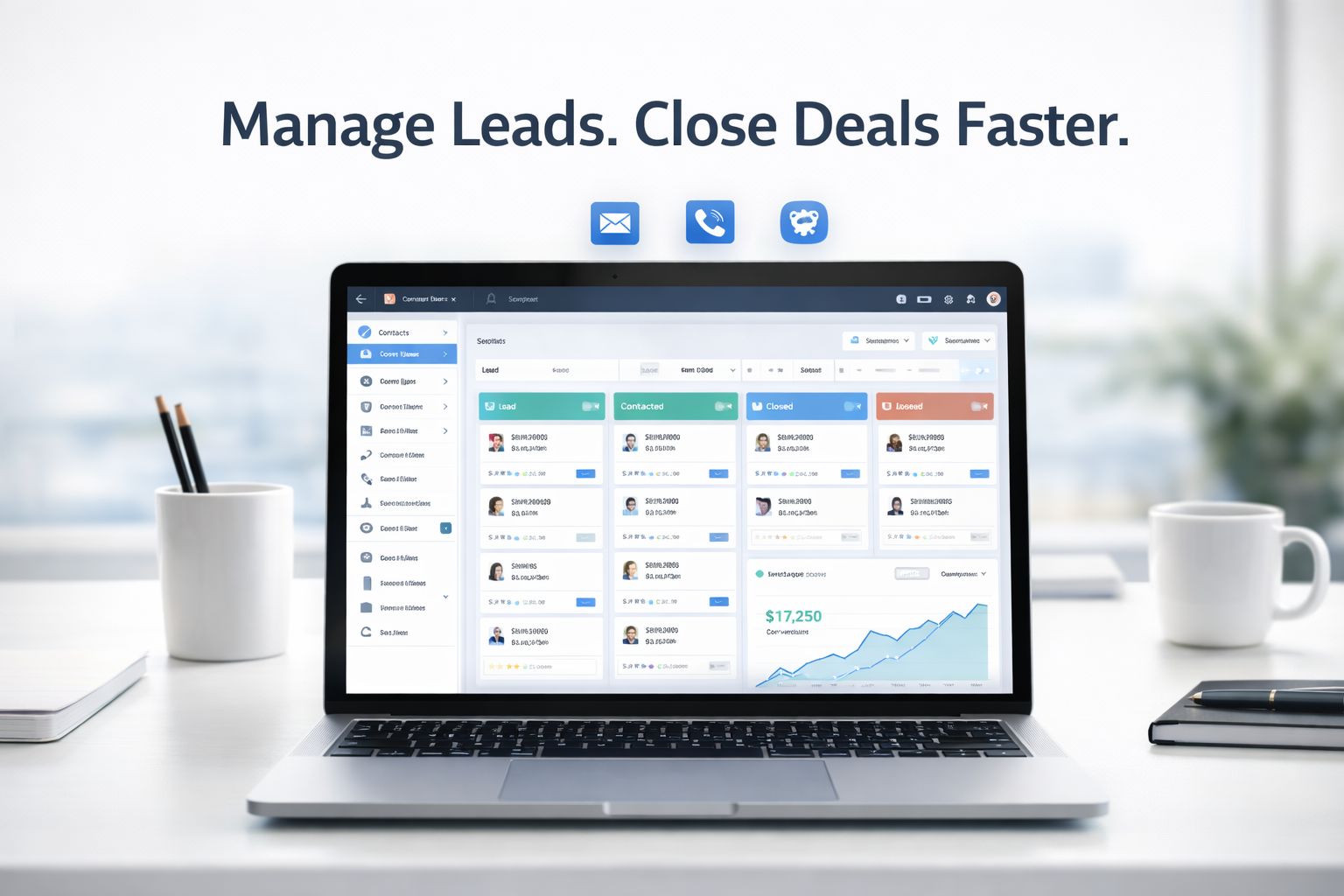
Customer relationships are the backbone of any successful business. Whether you’re a startup, small business, or enterprise, using the right CRM (Customer Relationship Management) software can help you manage leads, automate tasks, and increase sales.
In this guide, you’ll learn:
-
What CRM software is
-
How it works
-
The best CRM tools to use in 2026
-
How to choose the right one for your business
What is CRM Software?
CRM (Customer Relationship Management) software is a tool that helps businesses:
-
Manage customer data
-
Track interactions
-
Automate sales and marketing processes
-
Improve customer retention
Instead of using spreadsheets or scattered tools, a CRM centralizes everything in one place.
Why Your Business Needs a CRM?
Here are the key benefits of using CRM software:
1. Better Lead Management
Track and organize leads efficiently so no opportunity is missed.
2. Improved Customer Relationships
Store customer history, preferences, and interactions to personalize communication.
3. Sales Automation
Automate follow-ups, reminders, and workflows to save time.
4. Data-Driven Decisions
Use analytics and reports to improve strategy and performance.
Best CRM Software in 2026
Here are some of the top CRM tools based on features, usability, and pricing:
1. HubSpot CRM
Best for: Beginners and startups
Key Features:
-
Free plan available
-
Email tracking and automation
-
Contact and deal management
-
Easy-to-use interface
Pros:
-
Beginner-friendly
-
Powerful free version
Cons:
-
Advanced features are expensive
2. Zoho CRM
Best for: Small to medium businesses
Key Features:
-
Workflow automation
-
AI assistant
-
Multichannel communication
-
Custom dashboards
Pros:
-
Affordable pricing
-
Highly customizable
Cons:
-
Slight learning curve
3. Salesforce CRM
Best for: Large enterprises
Key Features:
-
Advanced automation
-
AI-powered insights
-
Extensive integrations
-
Custom app development
Pros:
-
Extremely powerful
-
Scalable
Cons:
-
Expensive
-
Complex for beginners
4. Pipedrive
Best for: Sales-focused teams
Key Features:
-
Visual sales pipeline
-
Deal tracking
-
Automation tools
-
Reporting dashboard
Pros:
-
Easy to use
-
Great for sales teams
Cons:
-
Limited marketing features
5. Freshsales (Freshworks CRM)
Best for: Growing businesses
Key Features:
-
Built-in calling and email
-
AI-based lead scoring
-
Sales automation
-
Custom workflows
Pros:
-
Good balance of features and price
-
Built-in communication tools
Cons:
-
Limited third-party integrations
CRM Comparison Table
| CRM Tool | Best For | Starting Price | Ease of Use |
|---|---|---|---|
| HubSpot CRM | Beginners | Free | ⭐⭐⭐⭐⭐ |
| Zoho CRM | SMBs | Affordable | ⭐⭐⭐⭐ |
| Salesforce | Enterprises | Expensive | ⭐⭐⭐ |
| Pipedrive | Sales teams | Moderate | ⭐⭐⭐⭐⭐ |
| Freshsales | Growing businesses | Moderate | ⭐⭐⭐⭐ |
Types of CRM Software
Understanding CRM types helps you choose the right one:
1. Operational CRM
Focuses on automation of sales, marketing, and service processes.
2. Analytical CRM
Uses data to improve decision-making and customer insights.
3. Collaborative CRM
Improves communication across teams and departments.
Key Features to Look for in a CRM
Before choosing a CRM, consider these features:
- Contact and lead management
- Sales pipeline tracking
- Automation workflows
- Reporting and analytics
- Integration with other tools
- Mobile accessibility
How to Choose the Right CRM
Follow these steps:
1. Define Your Goals
Do you want better sales tracking, automation, or customer support?
2. Set a Budget
Free tools are great to start, but scaling may require paid plans.
3. Consider Ease of Use
Choose a CRM your team can actually use daily.
4. Check Scalability
Make sure it grows with your business.
FAQs About CRM Software
What is CRM in simple terms?
CRM is a tool that helps businesses manage customer relationships and sales processes.
Which CRM is best for small businesses?
Tools like HubSpot and Zoho CRM are great for small businesses due to affordability and ease of use.
Is CRM only for sales teams?
No, CRM is also used in marketing, customer support, and operations.
Can I use CRM for free?
Yes, many CRMs offer free plans with basic features.
Final Thoughts
Choosing the right CRM can transform how your business operates. Instead of juggling spreadsheets and tools, a CRM helps you streamline processes, improve customer relationships, and boost revenue.
If you’re just starting out, go with a simple and free tool. As your business grows, you can upgrade to more advanced solutions.